



How it works
We do the legwork. You make the calls.
Two things are yours: connect a mailbox once, and say what actually belongs to you as things turn up. Indemnia does the finding, the reading and the arithmetic in between. If you ever have to file, the loss report comes out of the record you already have.
Works with Gmail, Outlook, Yahoo · We only read · Disconnect in one click
Who does what
Where you come in
Connecting
What you do
Connect Gmail, Outlook, Yahoo once. Indemnia only reads.
What Indemnia does
Works back through what's already there, then keeps watching for new purchases.
Finding purchases
What you do
Nothing.
What Indemnia does
Reads order confirmations, shipping notices and store receipts for what, how much and when.
Deciding what counts
What you do
Accept or dismiss each suggestion. A few seconds each.
What Indemnia does
Suggests. Nothing joins your record until you say so.
Keeping it current
What you do
Nothing.
What Indemnia does
Adds new purchases as they arrive and works out what each thing is worth now.
Filing a claim
What you do
Pick what was lost.
What Indemnia does
Builds the schedule: replacement cost, depreciation and actual cash value on every line.
| What you do | What Indemnia does | |
|---|---|---|
| Connecting | Connect Gmail, Outlook, Yahoo once. Indemnia only reads. | Works back through what's already there, then keeps watching for new purchases. |
| Finding purchases | Nothing. | Reads order confirmations, shipping notices and store receipts for what, how much and when. |
| Deciding what counts | Accept or dismiss each suggestion. A few seconds each. | Suggests. Nothing joins your record until you say so. |
| Keeping it current | Nothing. | Adds new purchases as they arrive and works out what each thing is worth now. |
| Filing a claim | Pick what was lost. | Builds the schedule: replacement cost, depreciation and actual cash value on every line. |
Step by step
From your inbox to a loss report
Step 1
Connect the mailbox you buy things with
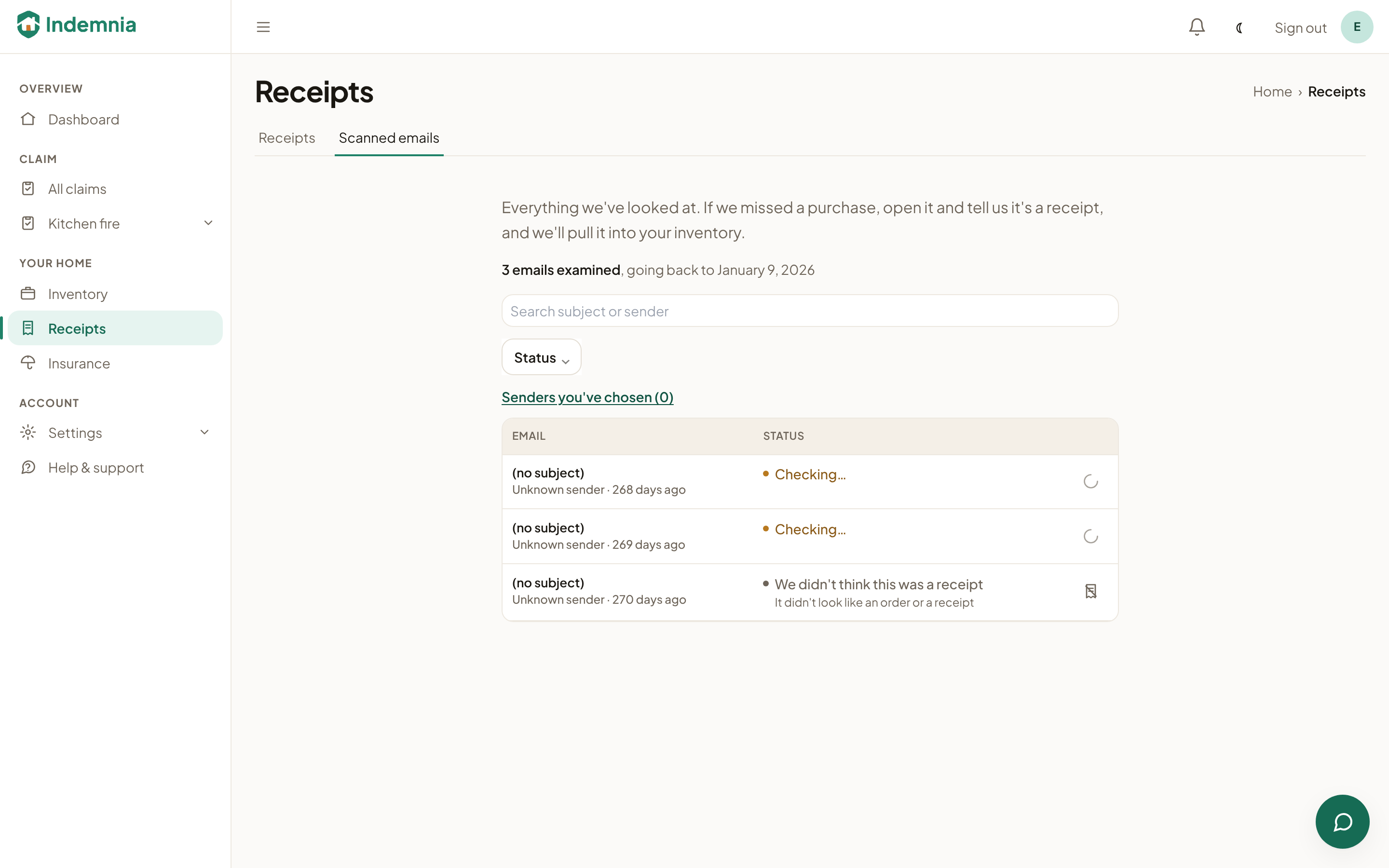
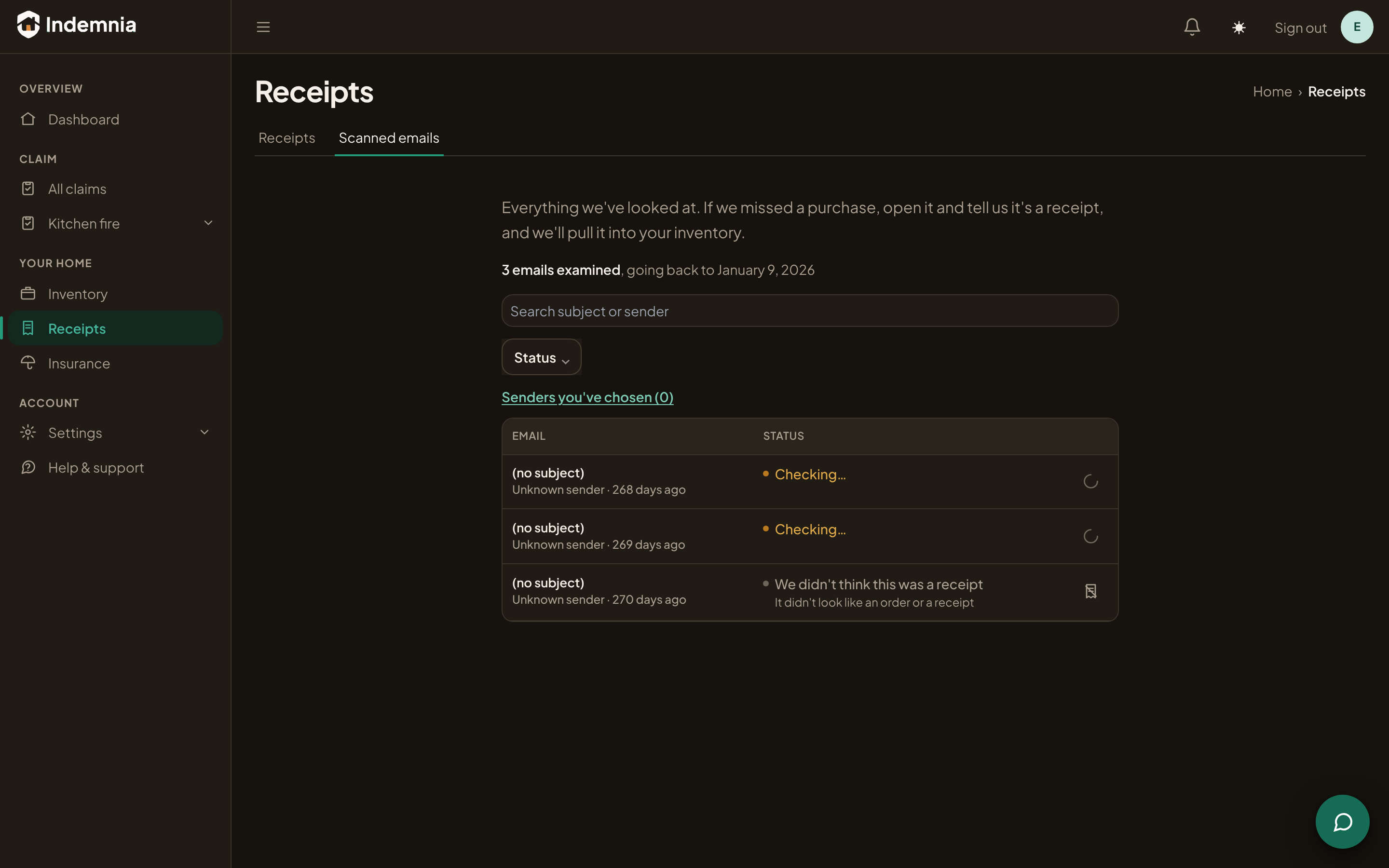
Gmail, Outlook, Yahoo. We only read. With Gmail and Outlook the permission itself is read-only, and Indemnia never sends, changes or deletes anything. It works back through what's already there and keeps watching for new purchases, so this is the last setup step there is.
Step 2
It finds the receipts
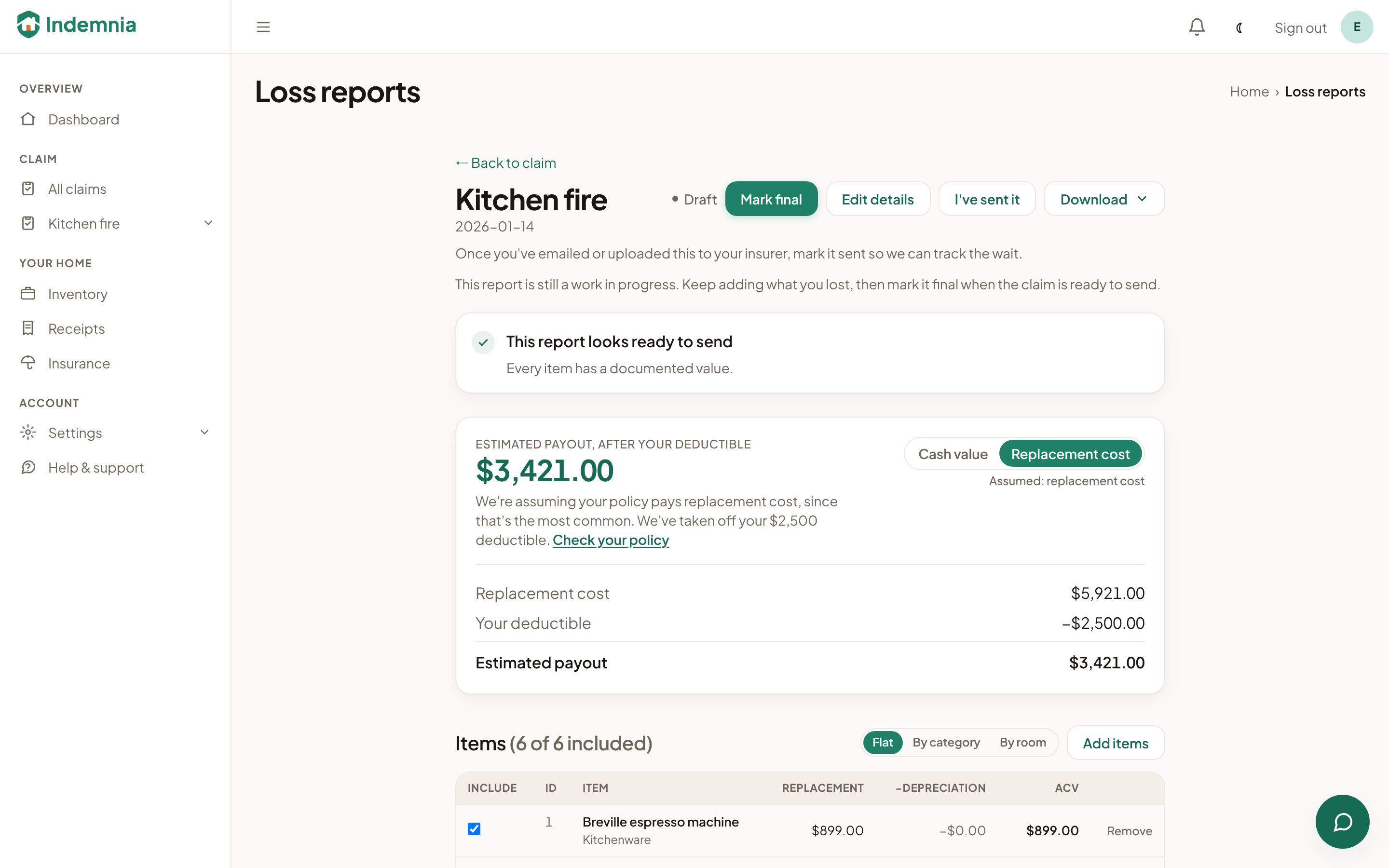
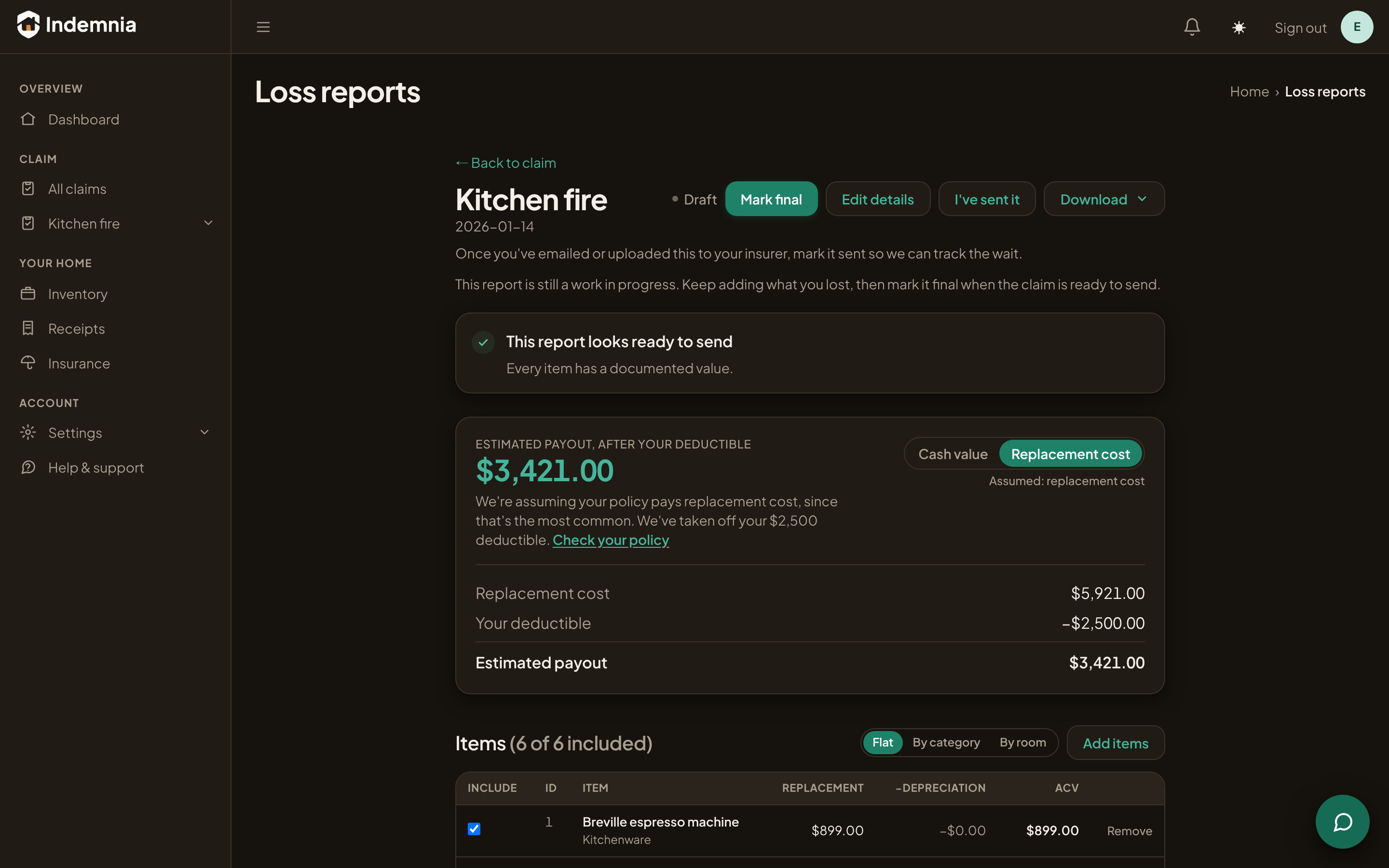
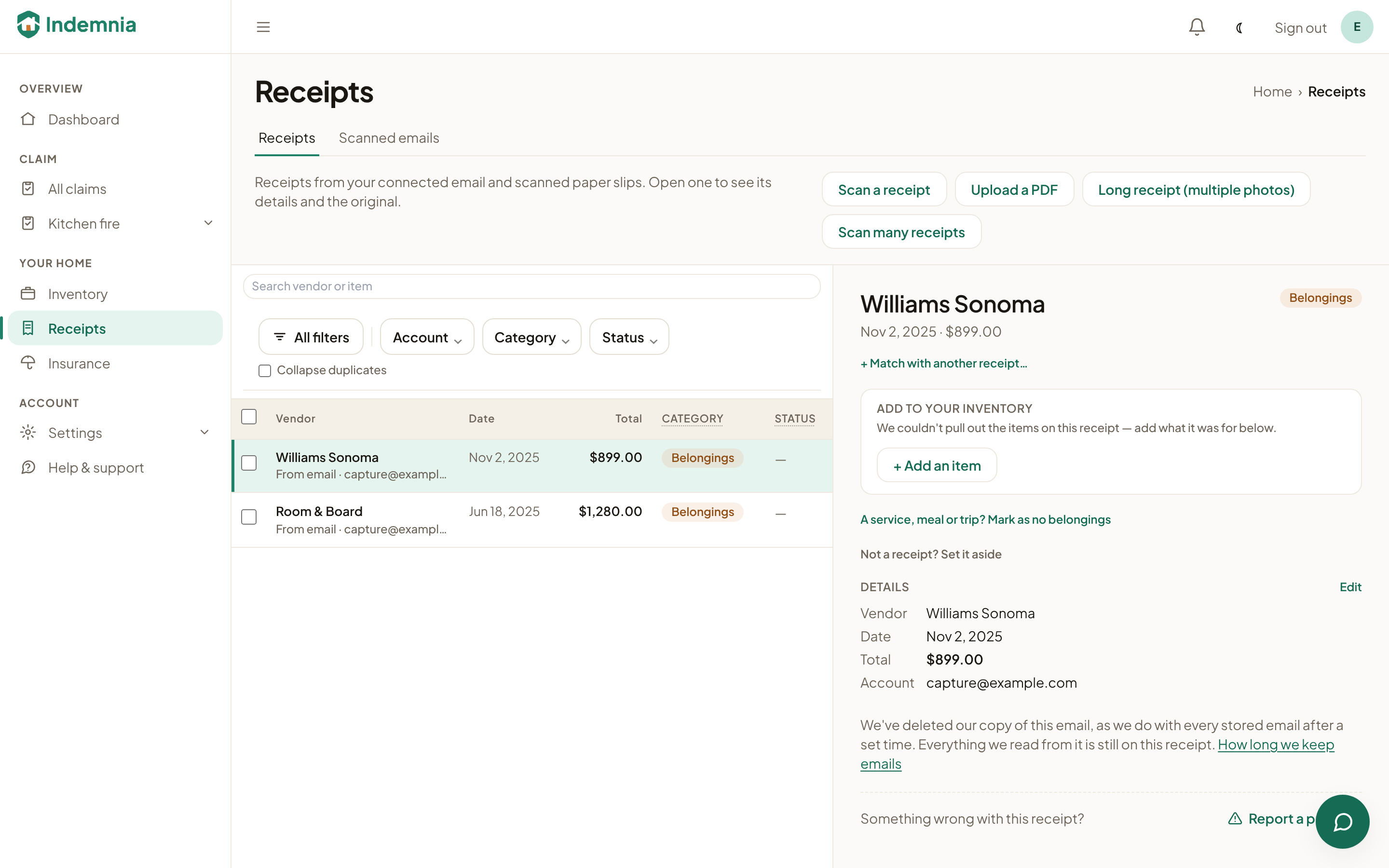
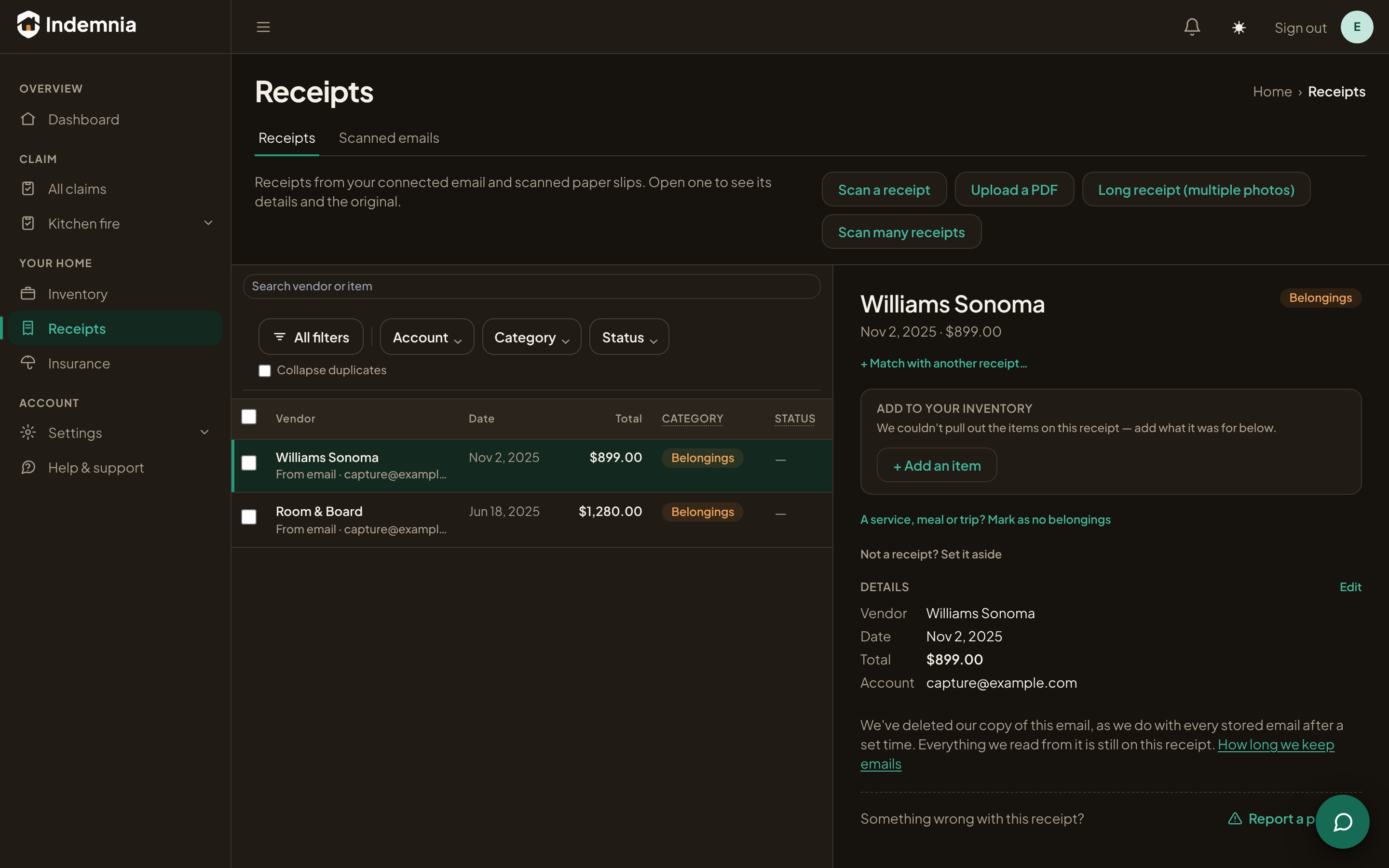
It reads order confirmations, shipping notices and store receipts for what was bought, what it cost and when. The original email stays attached to each one, so every line can be traced back to the thing that proves it.
Step 3
You decide what counts
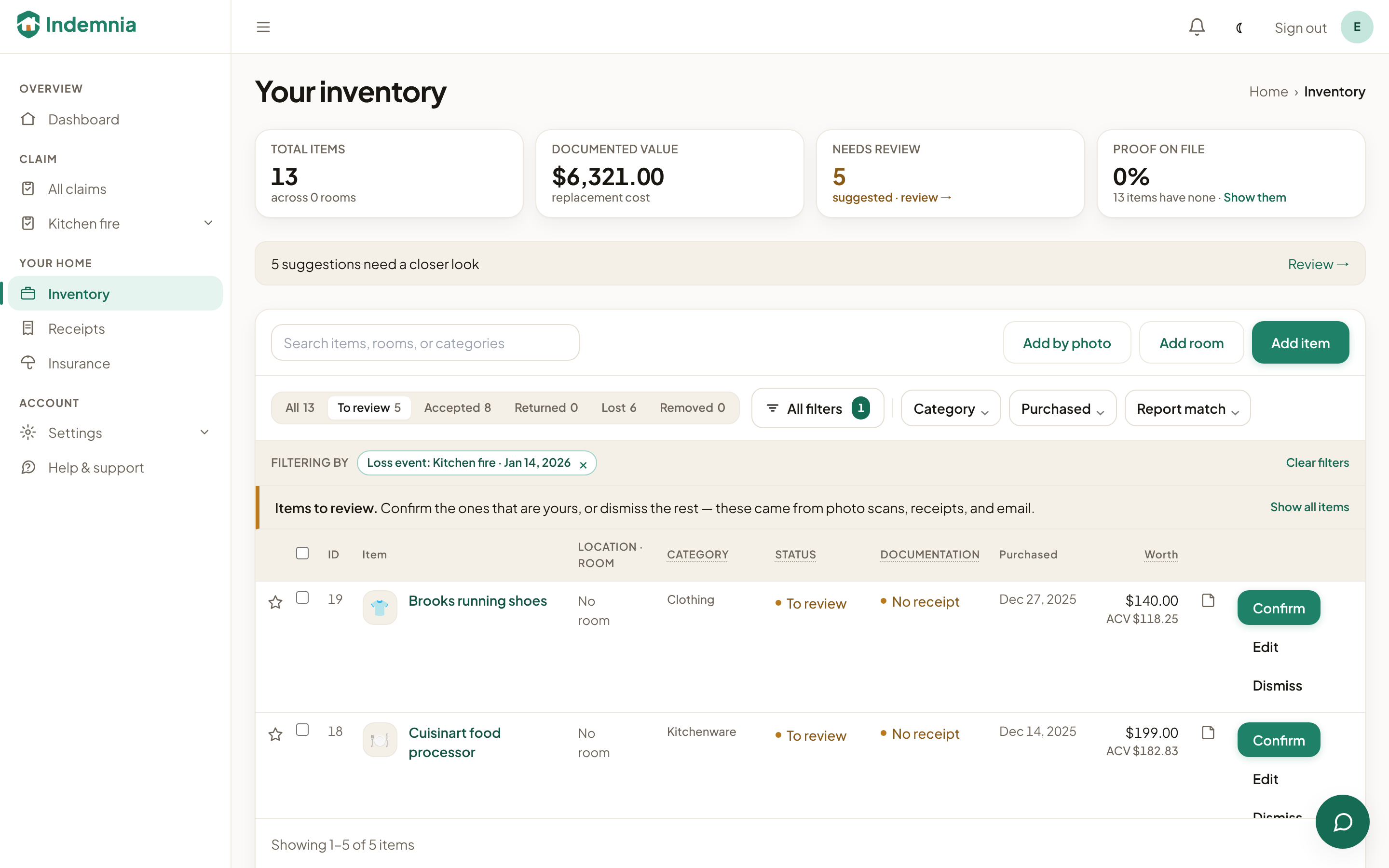
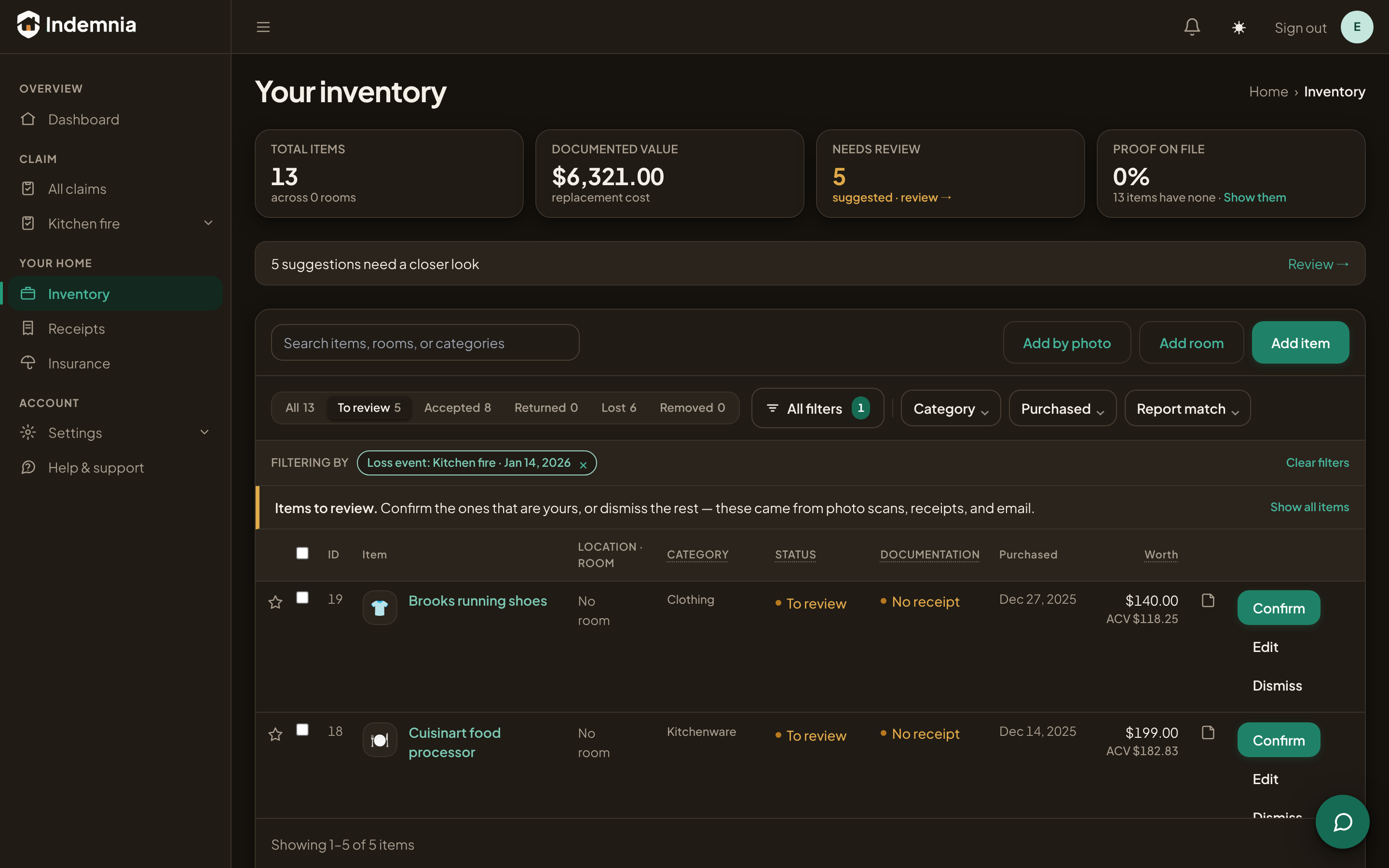
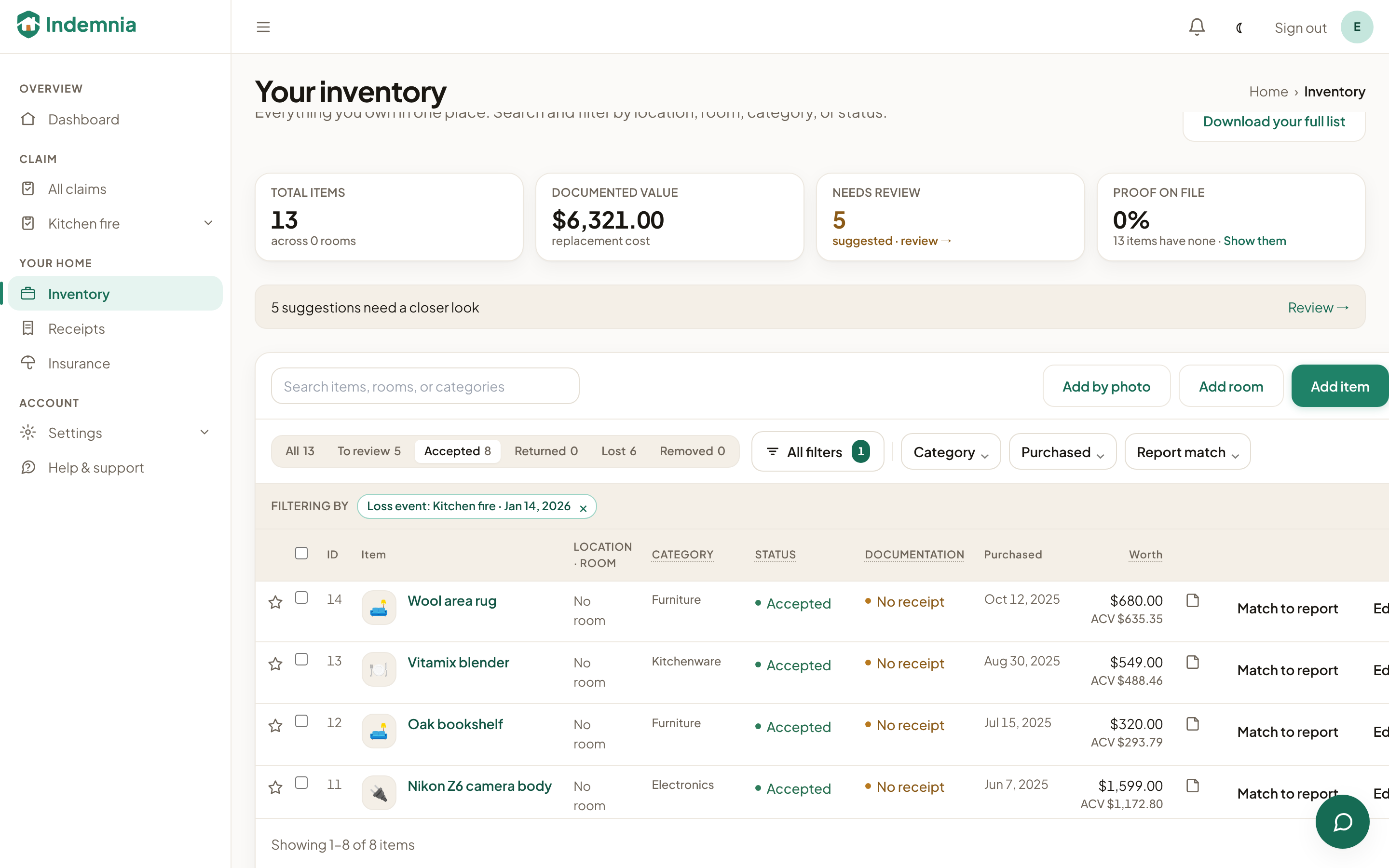
Everything it finds arrives as a suggestion, not a fact. You accept the ones that are right and dismiss the ones that aren't — a return, a gift, something that was never yours. It's a few seconds each, and it's the reason the record holds up later.
Step 4
The record stays current
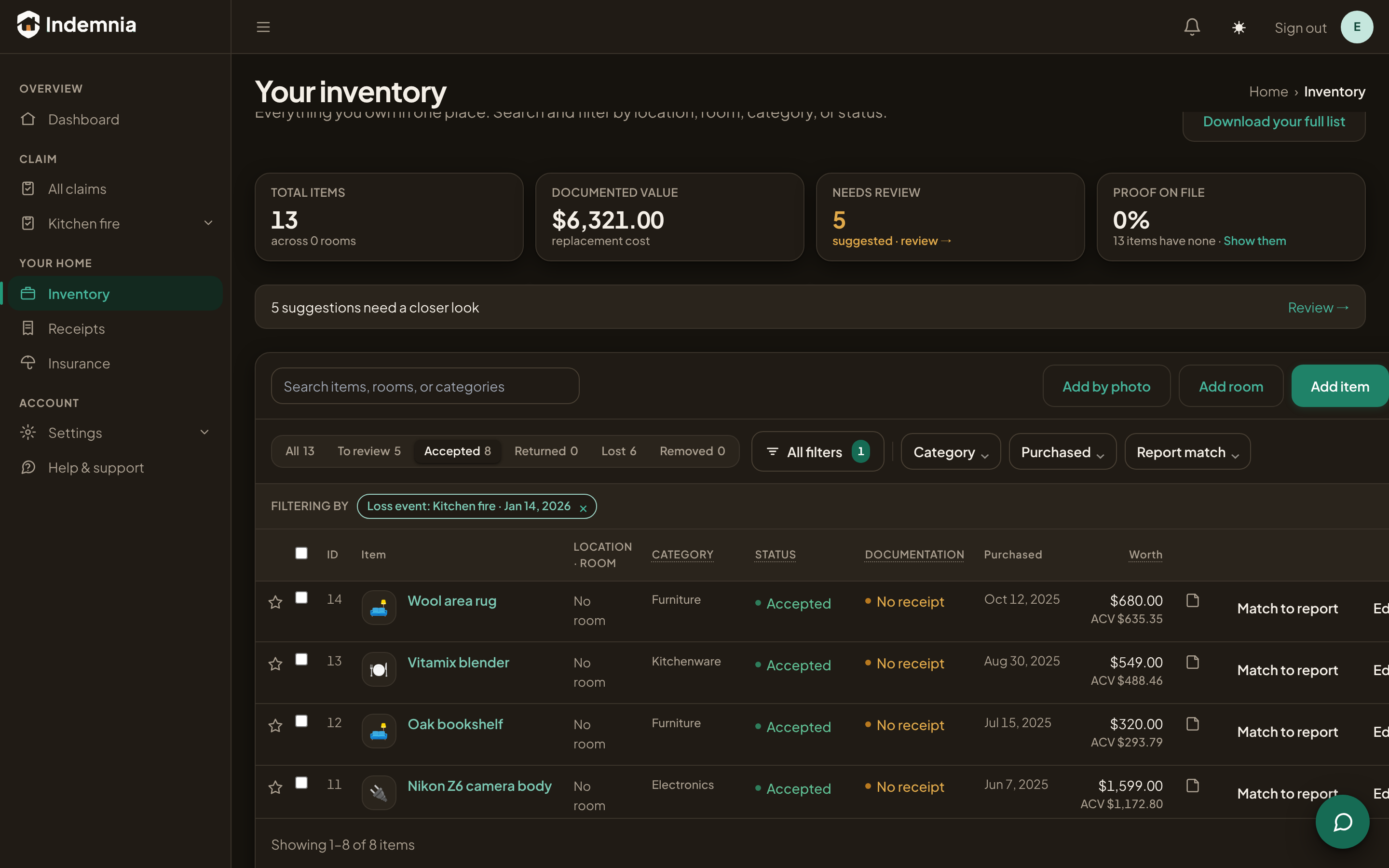
Accepted items become your inventory — what you paid, when you bought it, and what it's worth now. It keeps building in the background, so it's already there the day it matters instead of being something to reconstruct from memory.
Step 5
And a loss report comes out the other end
Pick what was lost and Indemnia produces the schedule an insurer expects: replacement cost, depreciation and Actual Cash Value per line, with proof attached to the line it substantiates. The maths is shown rather than asserted, because a schedule that can be checked is one that survives being checked.
If the loss already happened
Start with what you lost
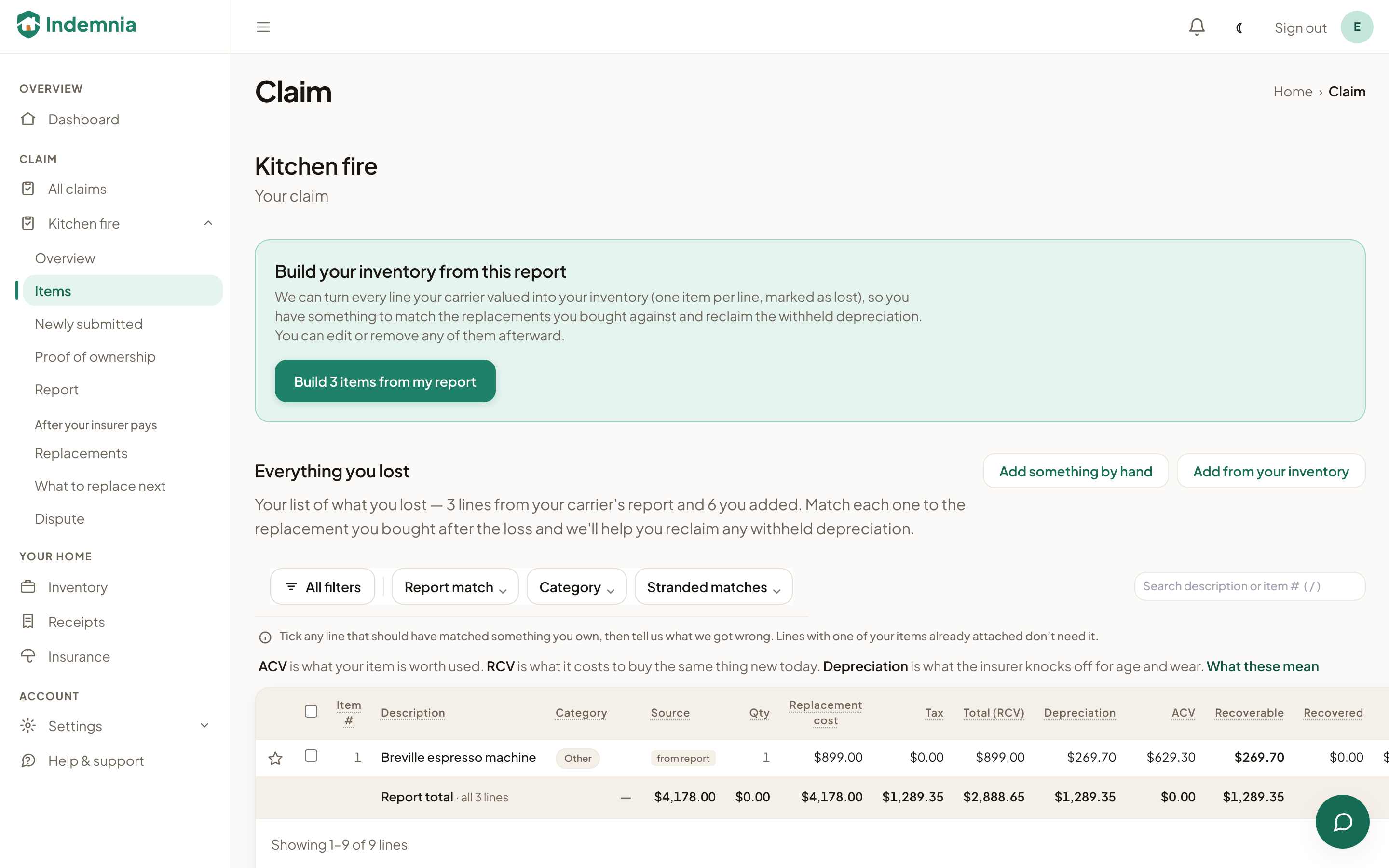
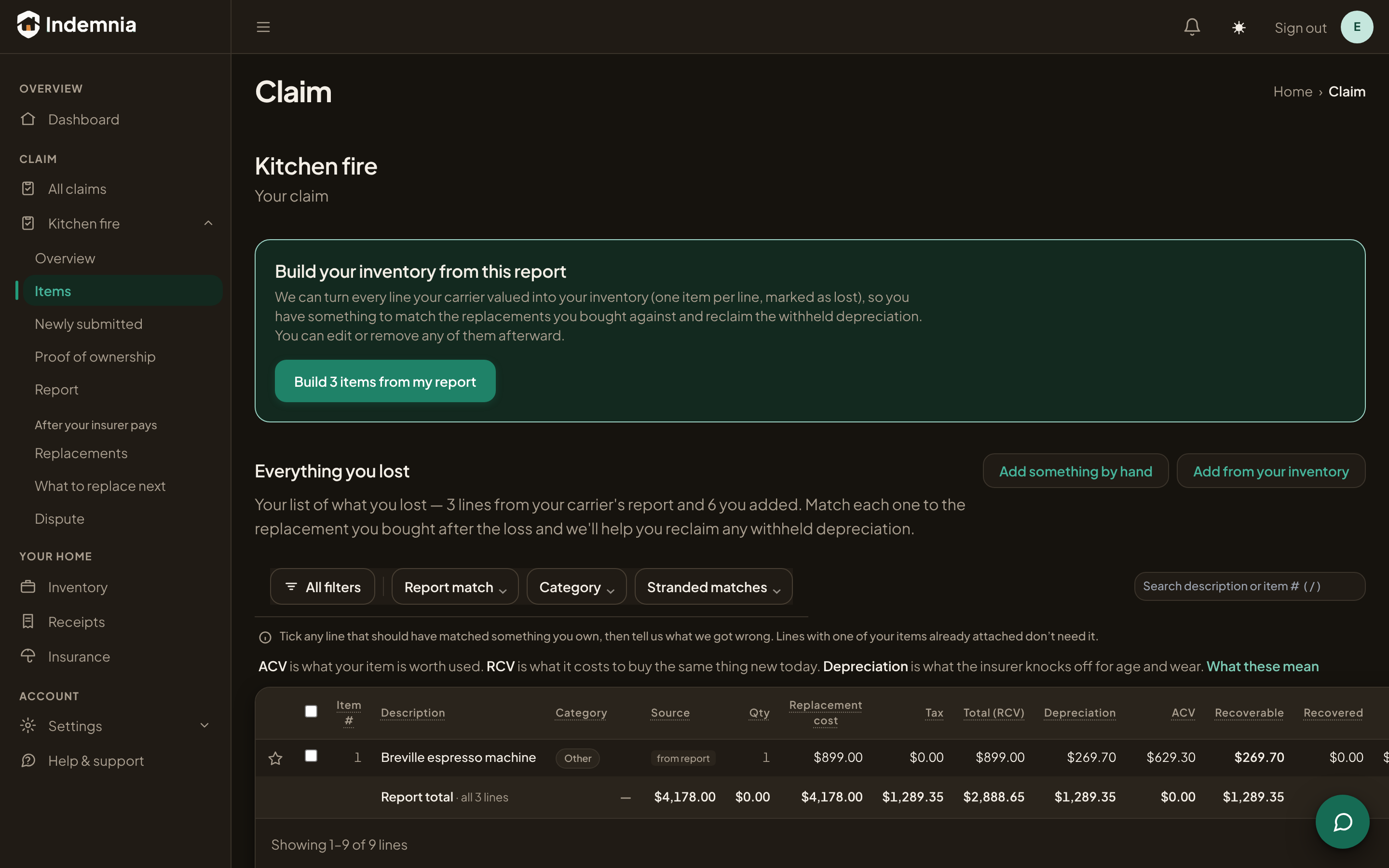
Most people come to us after the fire, not before it. You list what was in each room, one thing at a time, and add more as you remember. When your insurer sends their estimate, bring it in and we line it up against your list.
- List what you lost, room by room, from memory or from photos
- Download a report your insurer can work from
- When their estimate arrives, see what was held back and what you can still claim
What it can and can't do
We only read. Indemnia reads your mail looking for receipts and ignores everything else. With Gmail and Outlook the permission itself is read-only, and it never sends, changes or deletes anything. Your record is private to your household, it's yours to export at any time, and disconnecting takes one click.
Would rather be walked through it? schedule a demo.